
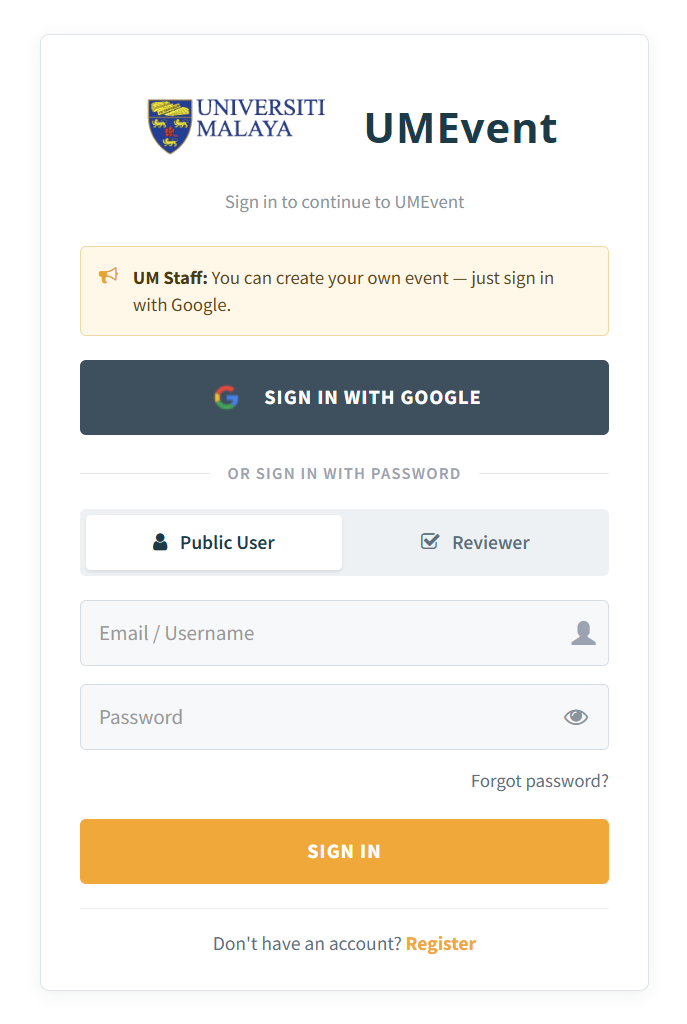
1. Please visit https://umevent.um.edu.my/ and click 'login' (on the top right) to register/login.
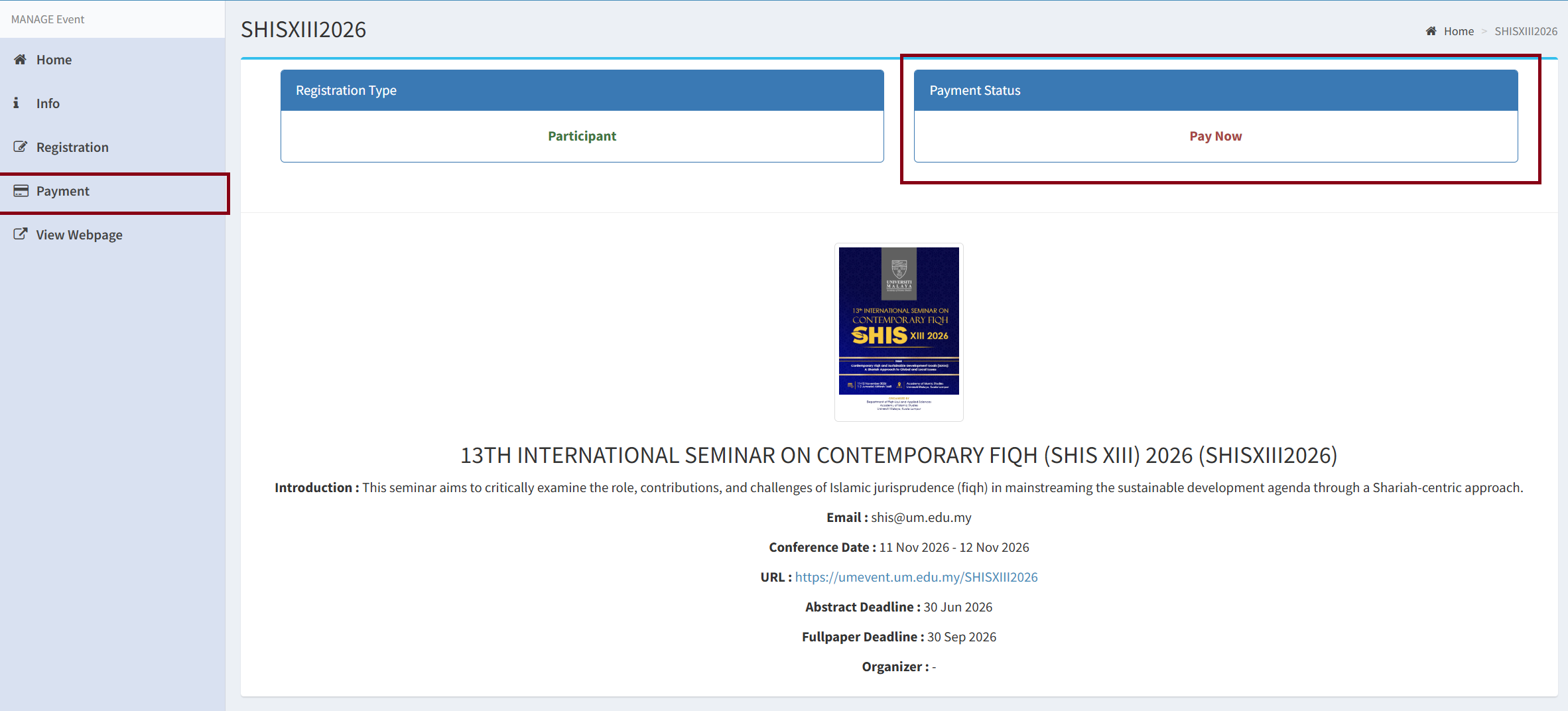
2. On the main page, click the 'Payment' tab on the sidebar or directly click ' Pay Now ' to make a payment for registration.
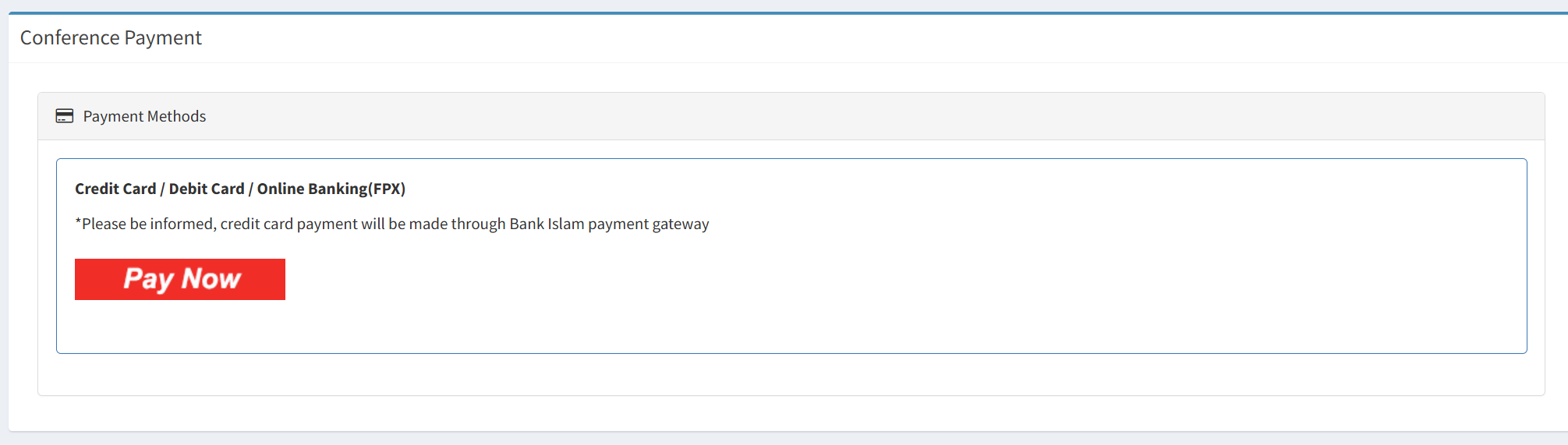
3. Click the 'Pay Now' button.
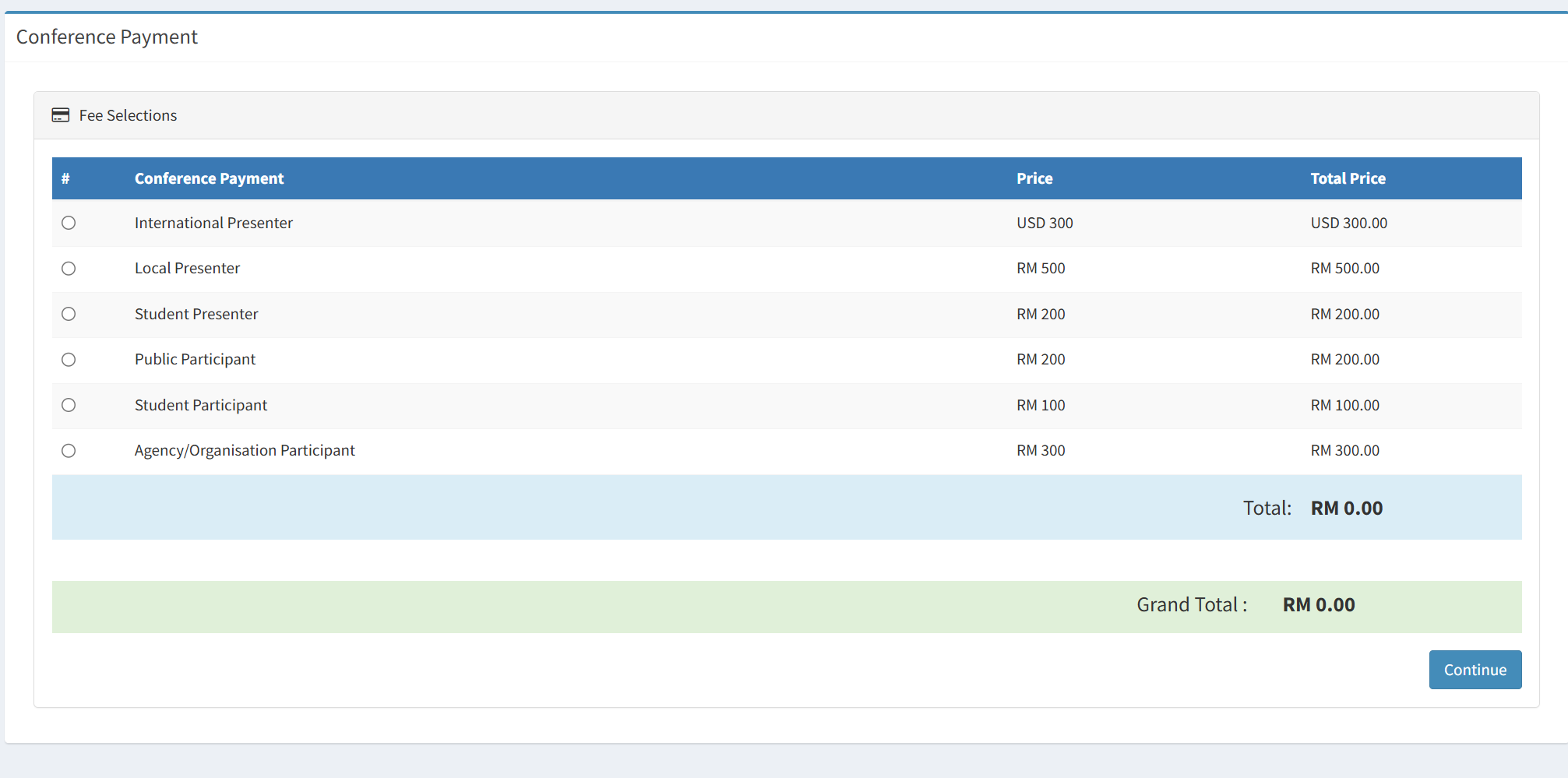
4. Choose the type of registration or category. Then, click 'Continue '.
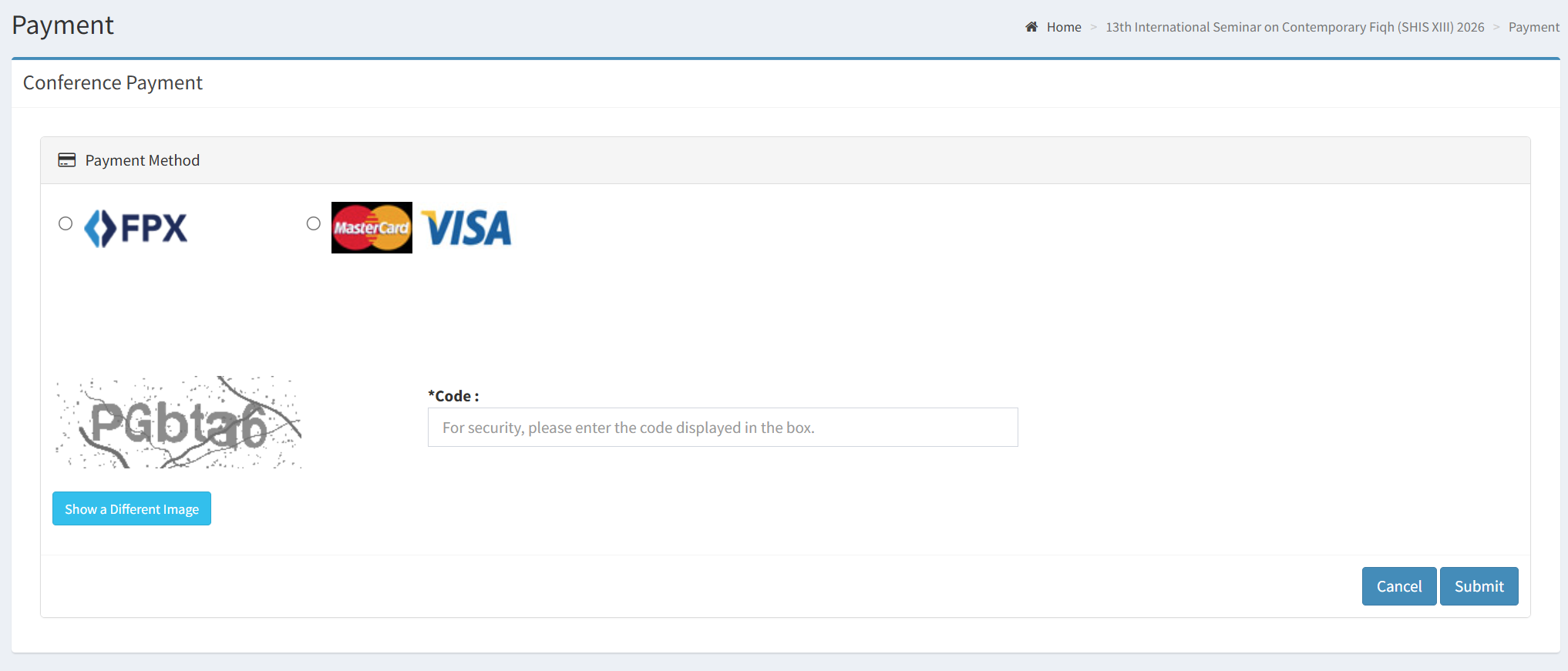
5. Select a payment method, either FPX or VISA/Mastercard, and type in the verification code based on the given.
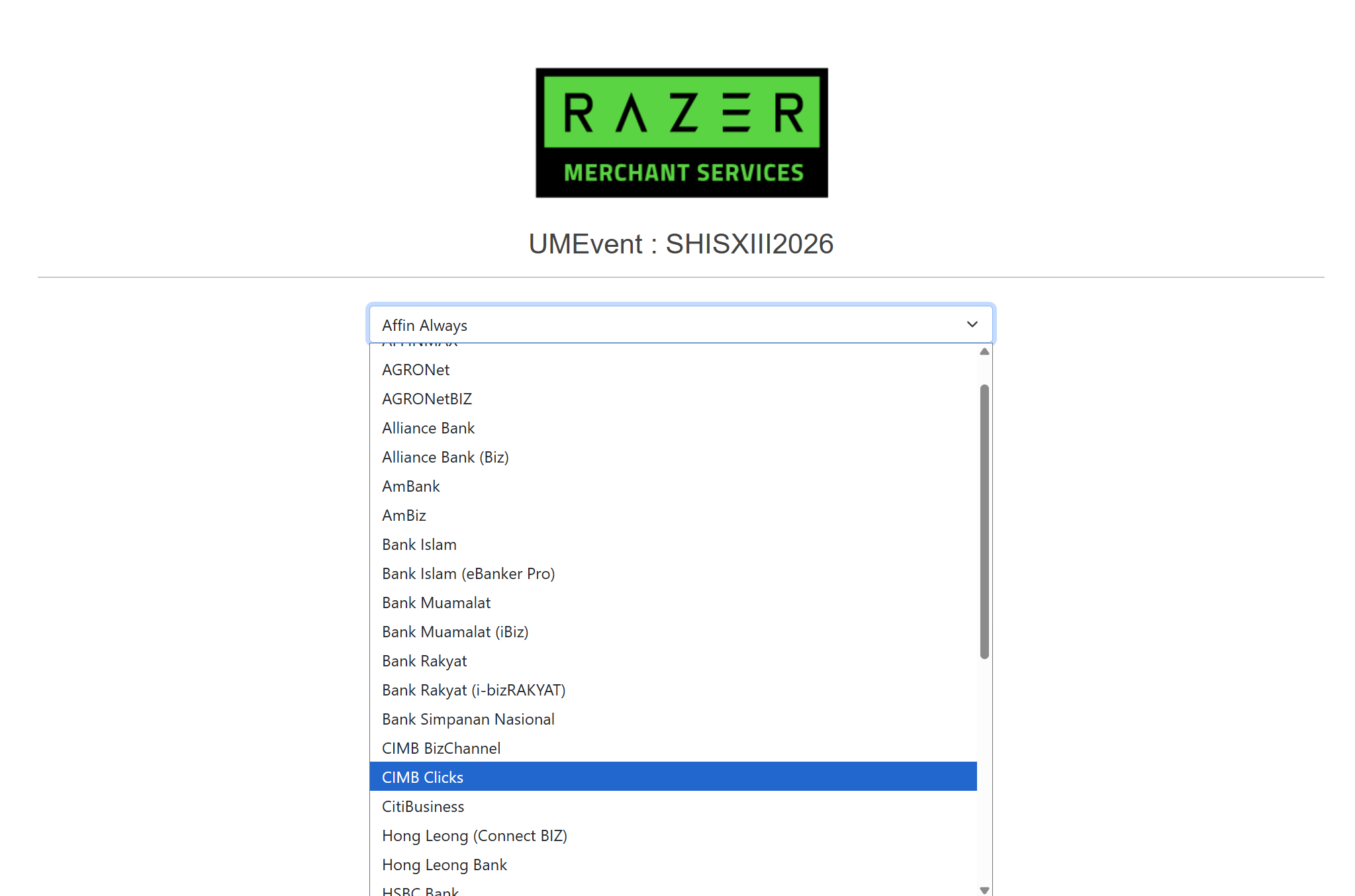
6 (a). If you opt for FPX, choose your preferred bank, then continue on the bank platform.
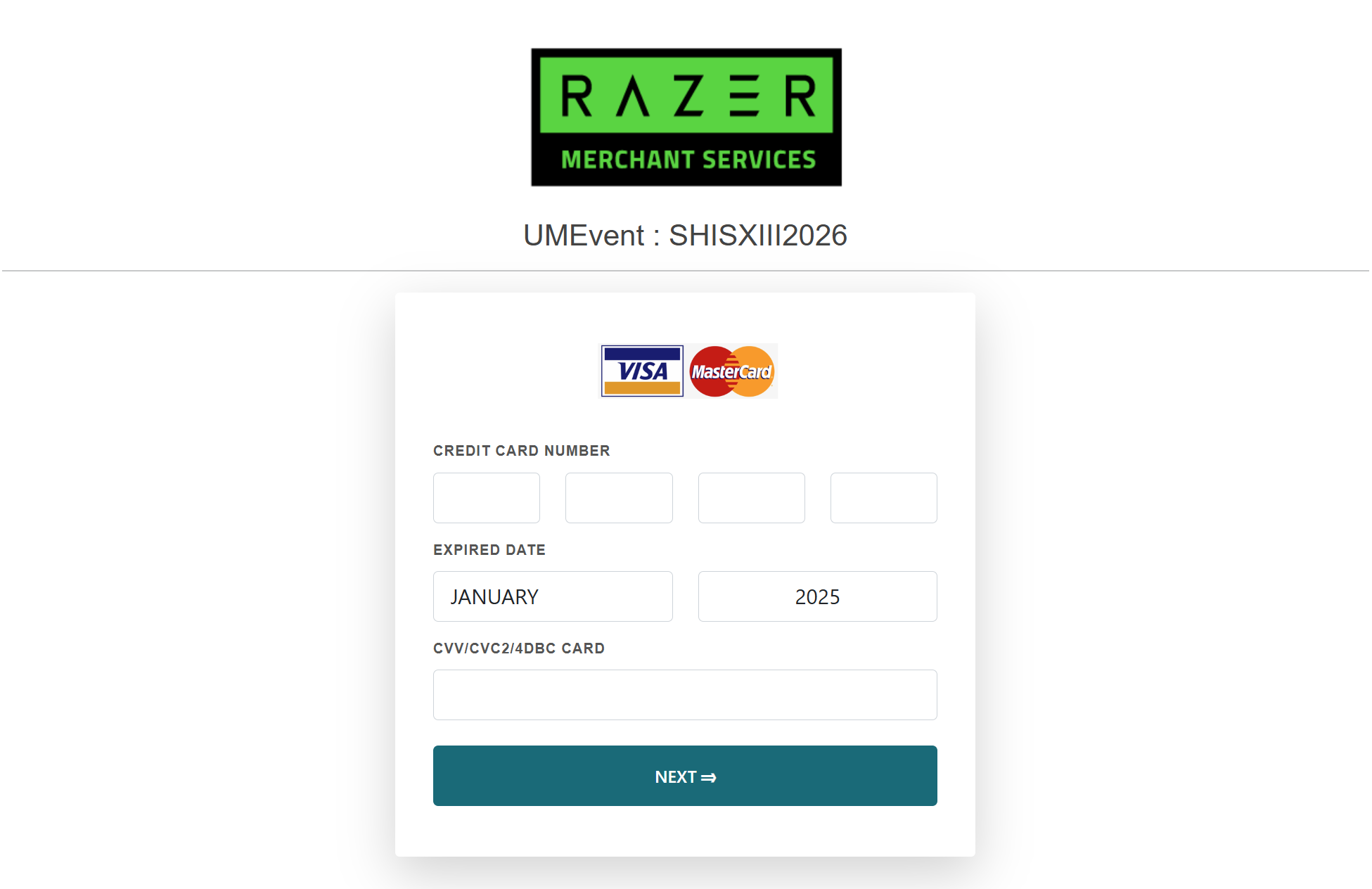
6 (b). If you opt for VISA/Mastercard, fill in your card details, then continue for further instructions.
7. Once payment is complete, you shall receive an on-screen notification that the transaction was successfully made. Please contact the SHIS admin and send a saved/screen capture/screenshot of the ‘successful transaction’ via the UMEvent portal or to shis@um.edu.my for payment confirmation.
Thank you.